Search Options
Word
With 'Word' highlighted on the toolbar, enter a word or words with or without wildcards and boolean operators in the white box beneath the toolbar. Click 'Search'.
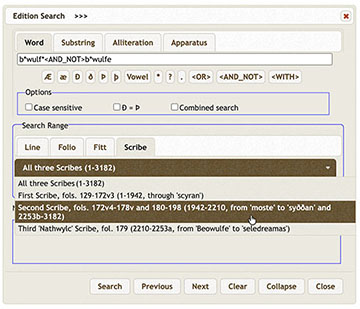
A message in the lower right says 'Searching', and then 'Done!' The 'No. of instances' displays to the left, and the first instance appears in context at the bottom. Click 'Show Result' to reveal the entire list and use the scrollbar to review all the results.
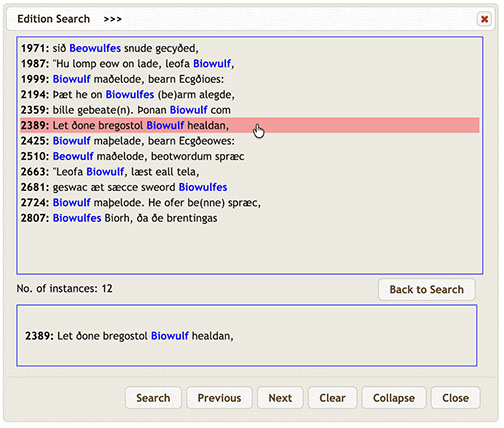
One must be careful using results from a word search of the Transcript, however, because the scribes did not always observe conventional word boundaries. Use wildcards to help find embedded words. The Substring search can also locate embedded words, as long as no spaces occur within the word-strings.
Collapse and Expand
Click the 'Collapse' button to save space, and use 'Next' and 'Previous' to view the results one by one. Click 'Expand' to reopen the full results.
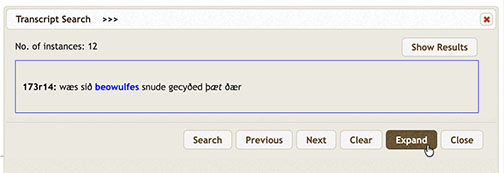
Double-click the Search line result to go directly to the line in the related Edition or Transcript, and the corresponding MS folio will open, too, with the Default Setting. Click 'Clear' to enter a new search.
Substring
With a 'Substring' search, one can discover in a moment how often, for example, the First Scribe uses þ (1428 times) compared to ð (893 times). Enter the letter or letters and click 'Search'.
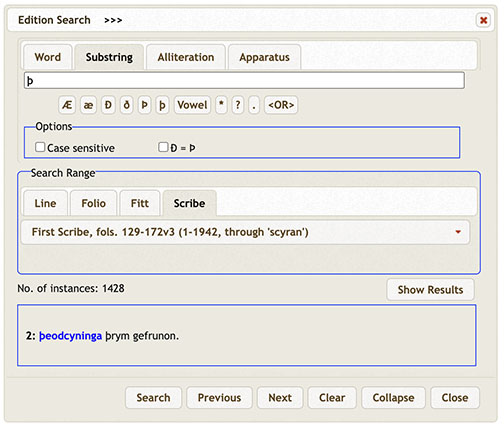
With 'Search' click 'Show Result' and use the scrollbar to view the results. Click a line number to display the substring in context at the bottom of the screen. With either Edition or Transcript open, click the instance to go directly to the line.
Alliteration
The most salient feature of Old English verse is alliteration, the repetition of initial sounds on accented syllables. The typical line is divided into an on-verse and an off-verse, each containing two accented syllables, with alliteration falling on one or both of the accented syllables in the on-verse, but on only the first accented syllable of the off-verse.
Highlight 'Alliteration' to open its search window. To search for alliteration of a particular sound, simply enter the appropriate letter with an asterisk.

In this case, with the minimum number of instances set to 3, m alliterates at least three times in 93 lines.
You may refine a search in many ways. For example, to find how often Beowulf alliterates with 'b', enter b* <WITH> b.owulf* and set the minimum number of instances to 1. Using the operator '.' for 'e' captures 'Biowulf*' spellings. Click 'Search'.
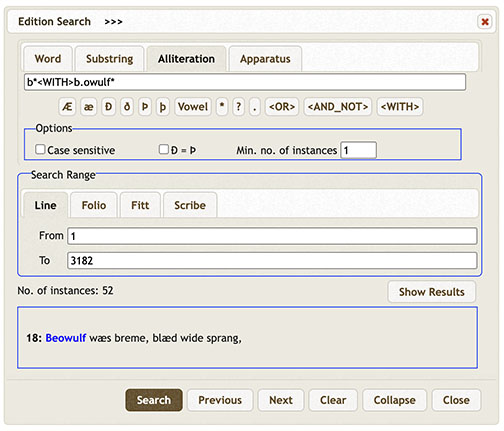
In this example, b-alliteration occurs 52 times. The first occurrence is displayed on the screen at the bottom of the window.
Vocalic Alliteration
Note that all vowels alliterate in Beowulf. 'Vowel' on the symbol toolbar, which appears as [V] in the Search panel, permits general searches of vocalic alliteration. As the following example shows, simple vocalic alliteration occurs 332 times with at least 3 vowels per line.
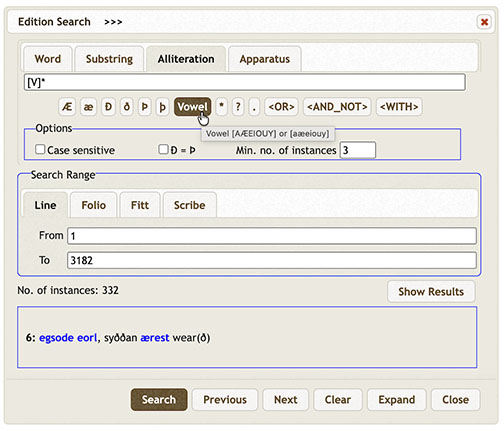
Vocalic alliteration is quite complex, because many words, such as prepositions, do not formally participate in the alliteration. One can use the 'AND_NOT' operator to eliminate prepositions and other words that do not normally take part in the formal alliteration:
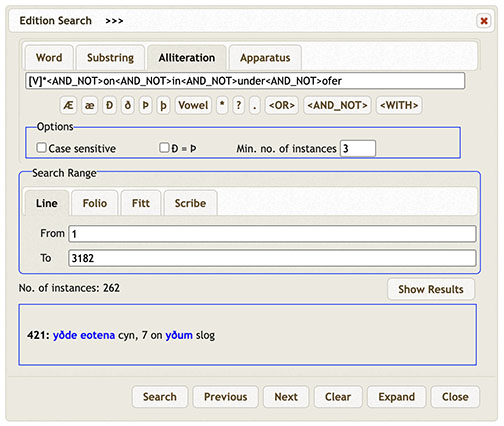
One must use special caution with results of vocalic alliteration, because there are other words, such as the prepositions æt and æfter, which do not take part in the alliteration and will skew the results.
Apparatus
The Edition and the Transcript of Beowulf were early encoded in conformance with XML (not its TEI subset), which also enables Search to retrieve a wide range of specifically encoded, or tagged, information, such as editorial emendations in the Edition and many scribal features in the Transcript.
To begin a structured search of the Edition, press 'Apparatus' on the toolbar to access searches of Emendations, Early restorations, and Editorial restorations.
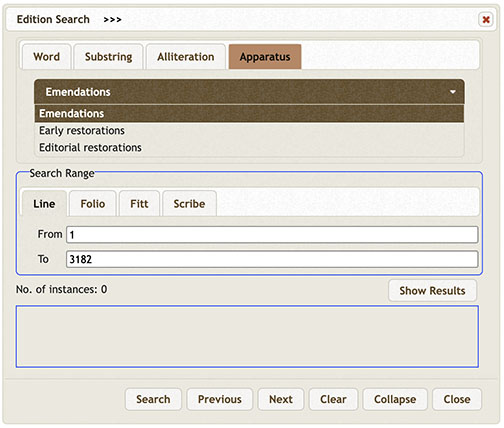
To begin a structured search of the Transcript, press its 'Apparatus' on the toolbar to access searches of fifteen manuscript features, often with several sub-types.
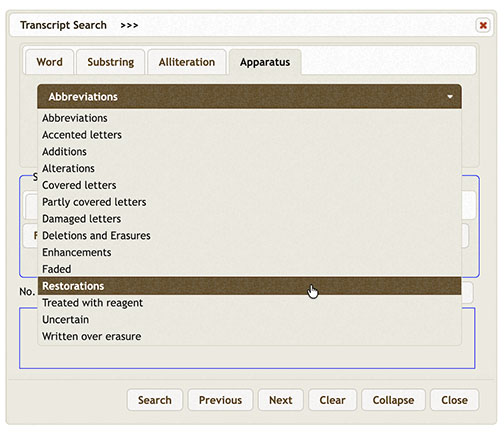
For example, there are nine types of abbreviations to discover.

For guidelines specific to either search window, go to Edition Search: Apparatus or Transcript Search: Apparatus.